How to Stop Your Phone From Overheating (and What to Do When It Does)
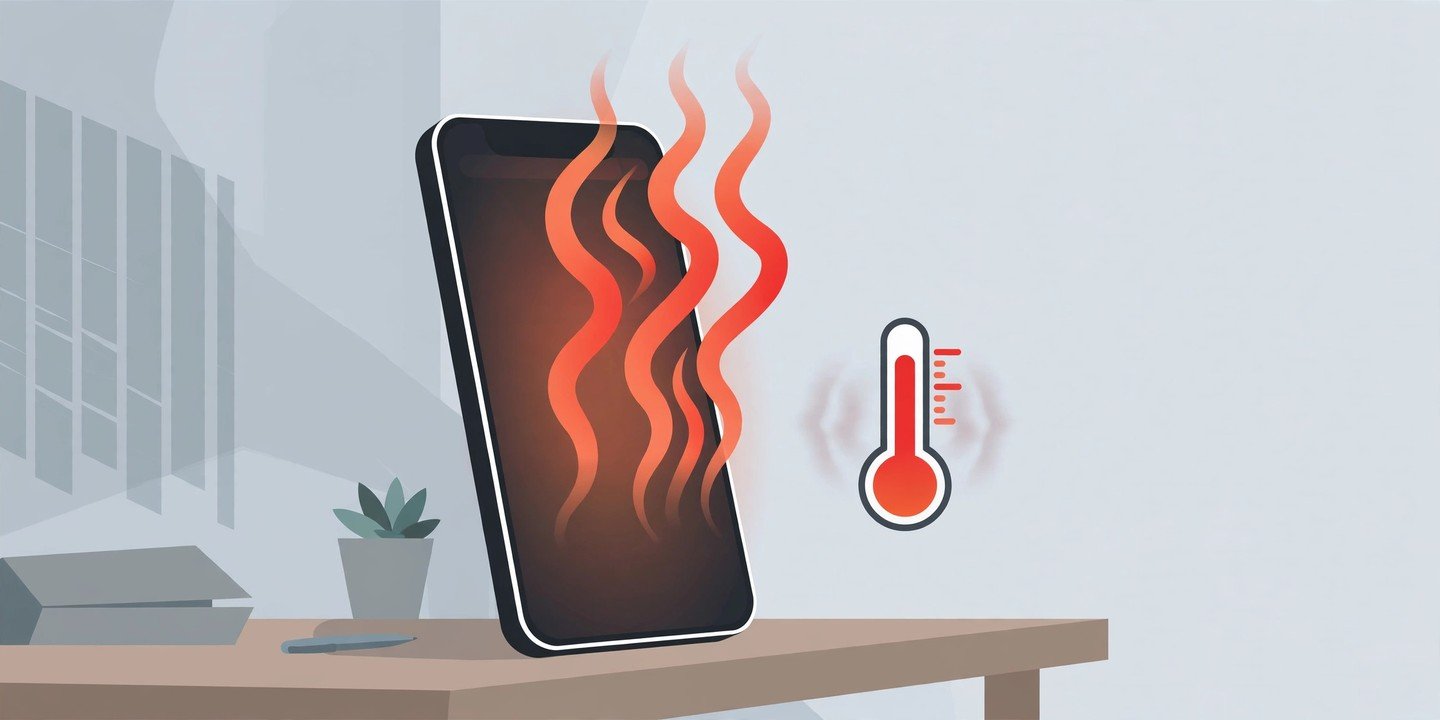
A phone that feels warm after a long gaming session or a 4K video is normal. A phone that is too hot to hold comfortably is not — it is a warning sign worth acting on. Both Apple and Samsung say their phones are designed to be used where the air temperature is between 0°C and 35°C (32°F to 95°F), and both build in protections that slow charging, dim the screen or shut the phone down when it gets too hot. Here is how to cool your phone down safely, and how to stop it overheating again.
Why phones overheat
Most overheating has an ordinary cause. Heavy apps such as games, navigation, video calls and 4K recording push the processor hard for a long time. Charging — especially fast or wireless charging — generates heat inside the battery, and using the phone while it charges adds a second source of heat. A hot environment makes everything worse: direct sunlight, a dashboard, or a parked car can push a phone past its safe range on its own. A weak signal also heats the phone up, because the modem works harder to stay connected. And some warmth is simply normal: Apple notes a phone can feel warmer during first-time setup, while restoring from a backup, after a major software update, or while wirelessly charging. That kind of warmth should fade on its own once the task finishes.
Cool it down now: 5 steps
Do these in order, and give the phone a few minutes between steps.
- Unplug it. Take it off the charger or wireless charging pad. Charging adds heat, so stop it first.
- Stop the heavy app. Close the game, camera, navigation or streaming app you were using, and swipe away other apps running in the background.
- Take it out of its case. A thick or rugged case traps heat. Removing it lets the phone shed heat faster.
- Move it somewhere cool. Get it out of direct sunlight and into shade or an air-conditioned room. Never leave a hot phone in a parked car.
- Leave it alone until it feels normal. Do not use it, charge it or restart it while it is still hot. And never put a hot phone in the fridge or freezer — the sudden temperature change and condensation can do more harm than the heat.
Your phone may already be helping: an iPhone can show a “Temperature: iPhone needs to cool down” alert, while a Samsung Galaxy may show a “Cooling down” warning, dim its screen, pause charging or power itself off. These are built-in protections, not faults — let them run their course.
How to stop it overheating again
A few habits keep the temperature down day to day:
- Turn the brightness down. The display is a major heat source. Lower it manually, or switch on adaptive brightness so it does not sit at full power in the sun.
- Switch off radios you are not using. Turn off Wi-Fi, Bluetooth and location when you do not need them — Samsung gives exactly this advice, and it applies to any phone.
- Find the app that is working too hard. On Android, go to Settings > Battery to see which app is using the most power; on iPhone, the same list is under Settings > Battery. An app draining battery in the background is often the same app generating heat — restrict its background activity or update it.
- Do not use the phone while it charges, and use the charger and cable that came with it, or a certified replacement. A damaged or uncertified charger is a common cause of excess heat while charging.
- Keep your software updated. Manufacturers regularly ship fixes for bugs that make a phone run hot.
- Give demanding tasks a break. Pause a long gaming or recording session, and do not record 4K video in direct sunlight.
- On a Samsung Galaxy, open Settings > Device care and tap Optimize now, then switch on Power saving under Battery. On an iPhone 15 or later, you can also set a charge limit under Settings > Battery > Charging to reduce heat and wear while charging.
For more on keeping your battery healthy, see our guides on smartphone battery tips and how to check your phone’s battery health. If your phone will not charge at all after overheating, see our guide on how to fix a phone that won’t charge.
When to get help
Stop troubleshooting and contact the manufacturer or an authorised repair shop if the phone gets hot for no obvious reason, if a temperature warning will not clear after the phone has cooled, or if it keeps shutting itself down. If the battery looks swollen or the back of the phone is bulging, stop using and charging it immediately and get it checked — a swollen battery is a safety issue. A phone that is warm after heavy use is normal; a phone that is hot while doing nothing is telling you something is wrong.
A hot phone is usually a fixable problem, not a dying one. Cool it down, remove the cause, and change the habit that created the heat — and it should be back to normal in minutes.