How to Message From Your Phone When You Have No Signal
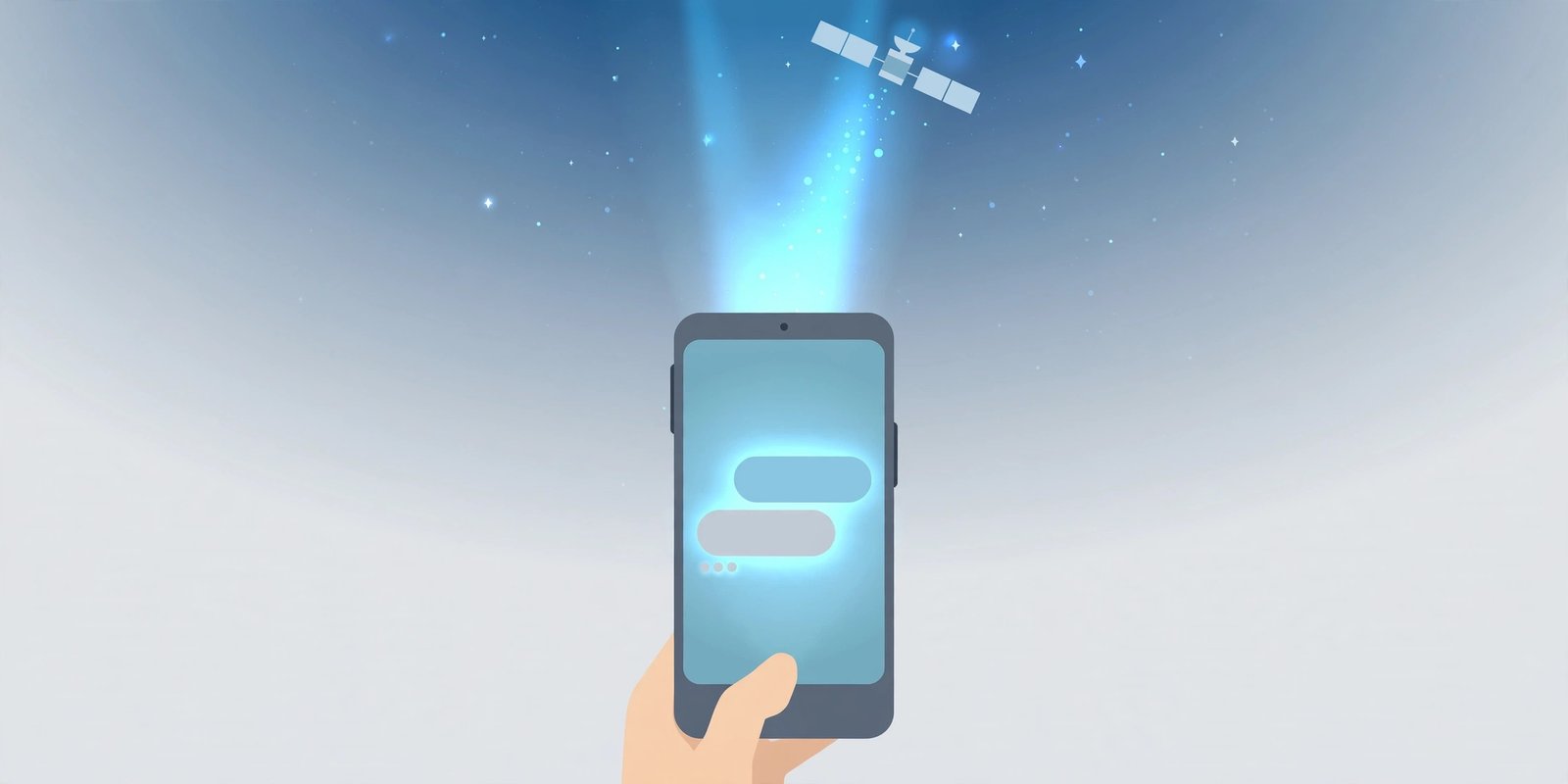
Losing signal used to mean going completely silent. Not anymore. Modern phones can now send messages through satellites orbiting overhead, so a text can still get through from a mountain trail, a desert road or the middle of the ocean. Here is how satellite messaging works, which phones support it, and what to set up before you head off the grid.
What satellite messaging actually is
When your phone has no cellular or Wi-Fi coverage, it can connect directly to a satellite in low Earth orbit instead of a ground tower. The connection is slow and narrow, so it is built for short text messages, not calls or browsing. You need a clear view of the sky — trees, hills, buildings and heavy cloud can block or weaken the link — and messages can take a minute or more to send.
On iPhone: Messages via satellite
Apple built satellite messaging into iPhone 14 and later models, starting with iOS 18. It works in the regular Messages app:
- Before you leave coverage, turn on iMessage and update to the latest iOS.
- Add an emergency contact and set up Family Sharing — those people can message you first while you are off the grid.
- When your iPhone detects no cellular or Wi-Fi, it offers to connect to a satellite. Open Messages and follow the on-screen prompts to point your phone toward the satellite. On iPhone 14 Pro and later, the Dynamic Island shows dots that guide you left or right.
- Type and send your text as normal. iMessages are end-to-end encrypted; SMS works too.
Keep in mind: messages via satellite are text-only — no photos, videos, audio messages or stickers. Apple says the feature is free for two years after you activate an iPhone 14 or later, and it is available in the United States, Canada, Mexico and Japan. Try the Satellite Connection demo first (Settings > Apps > Messages > Satellite Connection Demo) so you know what the prompts look like. In a real emergency, use Emergency SOS via satellite instead — see our guide to setting up Emergency SOS on your phone.
On Android: Satellite SOS and carrier satellite services
Android’s satellite support is more fragmented, because it depends on your phone maker and your carrier:
- Google Pixel 9 series (except Pixel 9a) and all Pixel 10 models include Satellite SOS for emergency texting, using the Skylo satellite network.
- Samsung’s Galaxy S25 series supports satellite SOS through Verizon in the US.
- T-Mobile’s T-Satellite service, powered by SpaceX’s Starlink, launched commercially on July 23, 2025. It works with more than 60 phone models — including iPhone 13 and newer, Galaxy S21 and later, and Pixel 9 and newer — and switches on automatically when there is no coverage, showing “T-Mobile SpaceX” in the status bar.
- T-Satellite costs $10 a month as an add-on, or is included with T-Mobile’s Experience Beyond and Go5G Next plans. Texting 911 via satellite is free for anyone with a compatible phone, whatever their carrier.
Satellite SOS on Android is emergency-only: it contacts emergency services and shares your location, but it does not let you chat with friends. Check your phone maker’s support pages to confirm whether your model is covered.
Get ready before you lose signal
Satellite messaging only helps if you prepare while you still have bars. Do this before any trip into the wilderness:
- Update your phone to the latest software — satellite features arrive through system updates.
- Turn on iMessage (iPhone) and make sure your contacts have your number saved.
- Add emergency contacts and, on iPhone, set up Family Sharing so they can reach you first.
- Run the satellite demo or check your carrier’s satellite settings so the prompts are familiar.
- Save offline maps and tell someone your route — satellite texting is a backup, not a plan. See our guide on how to use offline maps on your phone.
What satellite messaging cannot do
- Make voice calls. Satellite links today are for texting only.
- Send photos or videos on iPhone — Android phones on T-Satellite can send picture messages, but iPhone support for that is still rolling out.
- Work indoors, under dense trees or in deep canyons. You need open sky.
- Work everywhere. Apple’s satellite features are not available on iPhones bought in some countries, including China mainland and Russia, and may not work above 62° latitude.
- Replace a proper emergency plan. If you are hurt or in danger, Emergency SOS via satellite is the right tool, not a chat message.
Satellite messaging turns “no signal” from a dead end into a delay. It will not replace your network, but on a hike, a road trip or a remote holiday it can be the difference between silence and a message that gets through. Set it up now, while you still have bars — you will not want to be learning it when you need it.
Sources: Apple Support, “About Messages via satellite“; ConsumerAffairs, “New messaging service from T-Mobile connects from almost any location.”