Samsung One UI 9.5 Finally Brings a Native App Lock to Galaxy Phones
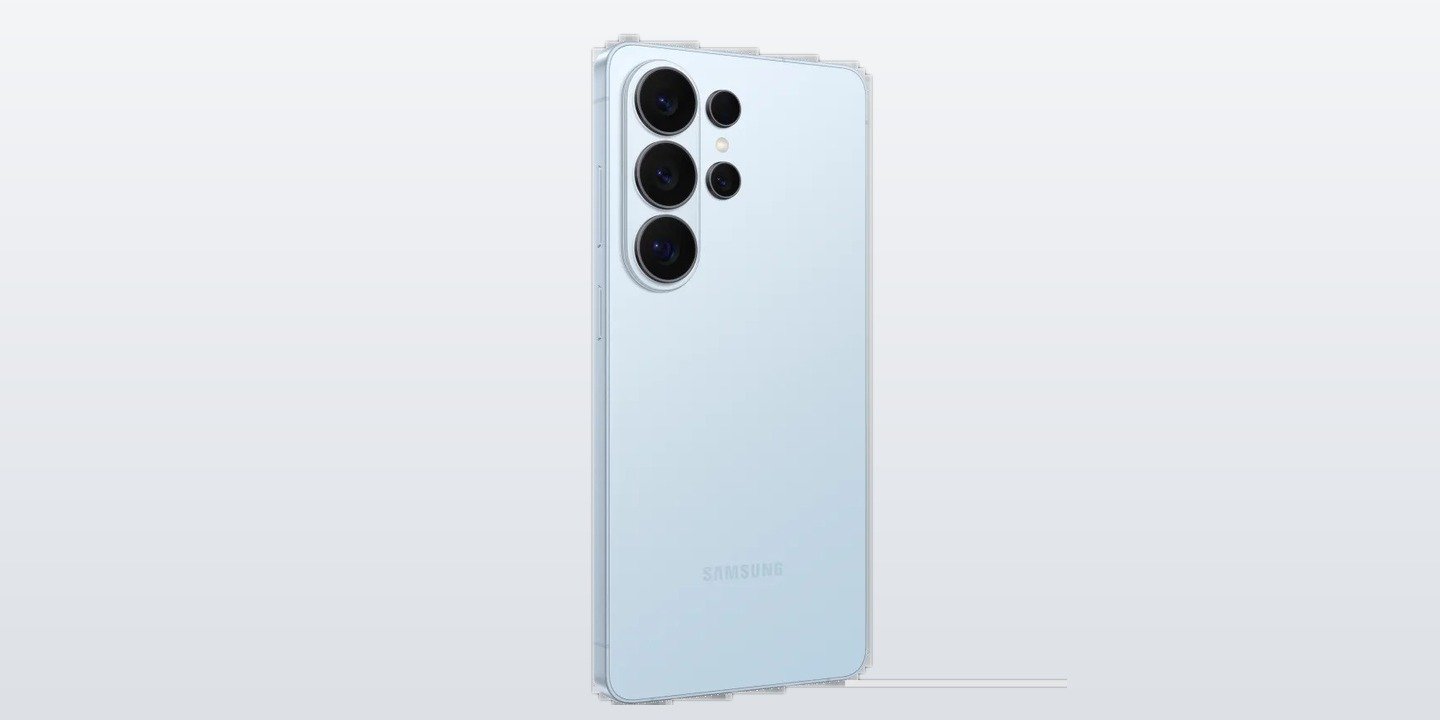
Samsung has finally added the feature Galaxy owners have asked for for years: a proper App Lock. With the One UI 9.5 beta, which Samsung began rolling out to the Galaxy S26 series on November 18, you can lock individual apps behind your fingerprint, face or PIN — without moving them into Secure Folder first. SamMobile reports the feature is included in the first One UI 9.5 beta.
At a glance: One UI 9.5 App Lock
- What it is: a native App Lock built into One UI 9.5
- First phones: Galaxy S26, Galaxy S26+ and Galaxy S26 Ultra, via the One UI 9.5 beta
- How to lock an app: long-press its icon and tap the padlock
- Unlock with: your fingerprint, face, PIN, pattern or password
- Extra on S26 Ultra: Privacy Display switches on automatically when you open a locked app
- Stable release: expected in 2027
How App Lock works
Locking an app takes seconds. Long-press any app icon on the home screen or in the app drawer, tap the small padlock in the shortcut menu, confirm, and authenticate with your screen lock. From then on, opening that app asks for your fingerprint, face or PIN first.
Locked apps stay exactly where they are — in the app drawer and on the home screen — so there is no second copy to keep track of. Samsung also hides the notification content of locked apps and removes their widgets from the home screen, so a private message or photo does not flash up while someone else is holding your phone. All your locked apps can be managed from one place, under Settings > Security and Privacy > More Privacy Settings > App Lock.
No more Secure Folder copies
Until now, the only built-in way to protect an app on a Galaxy phone was Secure Folder, which keeps private apps and files in a separate, locked-off space. That works, but it means maintaining duplicate copies of apps and remembering what lives inside the folder and what does not.
App Lock is the simpler answer many users wanted: the app stays put, and only opening it needs authentication. It is ideal for banking apps, messaging, photos and anything else you want to keep private when you hand your phone to someone.
Galaxy S26 Ultra gets an extra privacy layer
On the Galaxy S26 Ultra, App Lock works together with the phone’s new Privacy Display. Owners can set Privacy Display to switch on automatically every time they open a locked app, so the screen is hidden from anyone looking over their shoulder as well as from anyone who picks the phone up.
Beta availability and what comes next
The One UI 9.5 beta is live now for Galaxy S26 owners in the US, UK, India, Germany, South Korea and Poland, with enrolment through the Samsung Members app. Samsung plans to widen the beta to more devices before the stable release, which is expected in 2027 — and the feature is expected to reach other Galaxy phones that get One UI 9.5, not just the S26 series.
Not every feature tipped for One UI 9.5 is in the first beta build yet — the leaked Memory app, for example, does not appear in the changelog so far — so Samsung may add more in later beta builds. We covered the One UI 9.5 beta itself earlier today, including how to join it, and the leaked Memory app in a separate report.
Closing
App Lock is a small addition on paper, but it fixes a real daily annoyance for Galaxy users. If you are on the One UI 9.5 beta, it is already there to try — and if you are waiting for the stable release, it is one more reason to look forward to it.