Pixel November Update Breaks Always-On Display, Lock Screen and Notifications for Some Owners
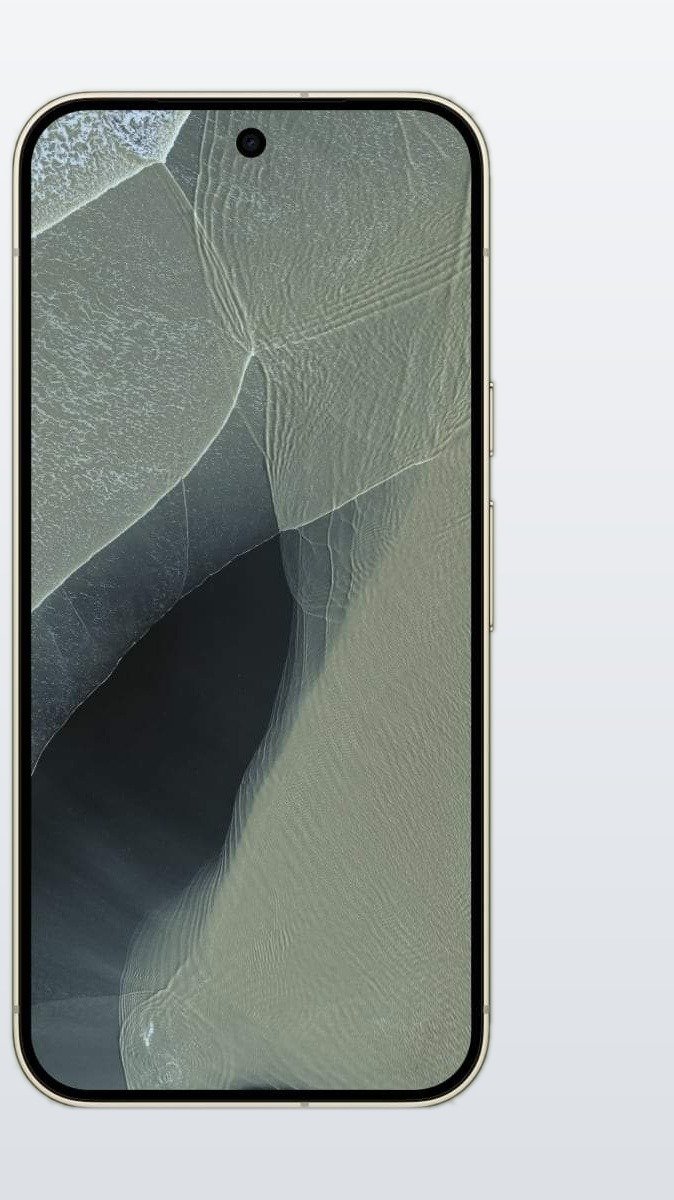
Google’s November update was supposed to make Pixel phones better. For some owners, it has done the opposite. Days after the rollout began, Pixel users are reporting a fresh batch of glitches affecting the always-on display, the lock screen and the notification drawer — on top of the camera and charging problems already reported. Google has not announced a fix yet.
The update in question is the November 2026 Pixel Drop, which also bundles Android 17 QPR2 and started rolling out on Tuesday, November 10. It brought new Gemini features to the Pixel 10 series, but the same release is now linked to a growing list of user complaints on Reddit and Google’s support forums.
Always-on display and lock screen acting up
The most visible problems sit on the always-on display (AOD) and the lock screen. One Pixel 9 Pro Fold owner reports that the notification drawer drops down and stays on screen when the phone is locked, so a faded notification drawer shows in ambient mode instead of the AOD itself. The same owner says the phone’s inner screen no longer lights up automatically when unfolded — it stays dark until the power button is pressed.
Another owner, using a Pixel 10 Pro XL, says they can no longer change the lock screen clock style, even after a reboot. PhoneArena also names the Pixel 11 Pro XL among the models hit hardest by this round of lock screen bugs.
The notification drawer needs extra swipes
Notifications are misbehaving too. Several owners say closing the notification drawer now takes three swipes instead of two when there are unaddressed notifications — and two swipes instead of one when the drawer is empty. Others say swiping down on the home screen no longer pulls the shade down as it should, and the drawer feels sluggish overall.
Phones waking up in pockets
There is also a worrying touch problem. Some Pixels keep responding to touch for a few seconds after being locked, even with Tap to Wake switched off — so a phone in a pocket can wake up and register accidental taps. One owner measured the delay at almost four seconds, and several others in the same thread reported the same behaviour. Until Google fixes it, the workaround doing the rounds is simple: wait about five seconds after locking the phone before putting it away.
Desktop Mode takes a hit too
The glitches reach beyond the phone itself. In Desktop Mode, one owner reports that audio no longer reaches an external monitor over HDMI through a USB-C dock, and the dock icons vanish when the screen auto-locks. Full-screen windows are also said to misbehave when the dock layout changes.
What Google has said — and what to do for now
So far, Google has not issued an official statement or a fix timeline for these bugs, though its Pixel Community account on Reddit appears to have spotted the reports. Android Authority notes the problems do not look widespread yet, based on the short time since the rollout began — but the reports keep coming.
If you have not installed the update yet, it may be worth waiting for the next patch. If you already have it and the lock screen is misbehaving, try the five-second wait before pocketing the phone, and keep an eye out for a follow-up fix. We will update this story when Google responds.
This is not the first trouble with the November update — we previously reported on Pixel 10 and Pixel 11 cameras failing after the same release, and on the November Pixel Drop‘s new features for the Pixel 10 series.
Sources: Android Authority and PhoneArena.