Gemini Can Now Read Your Google Wallet Spending to Help You Budget
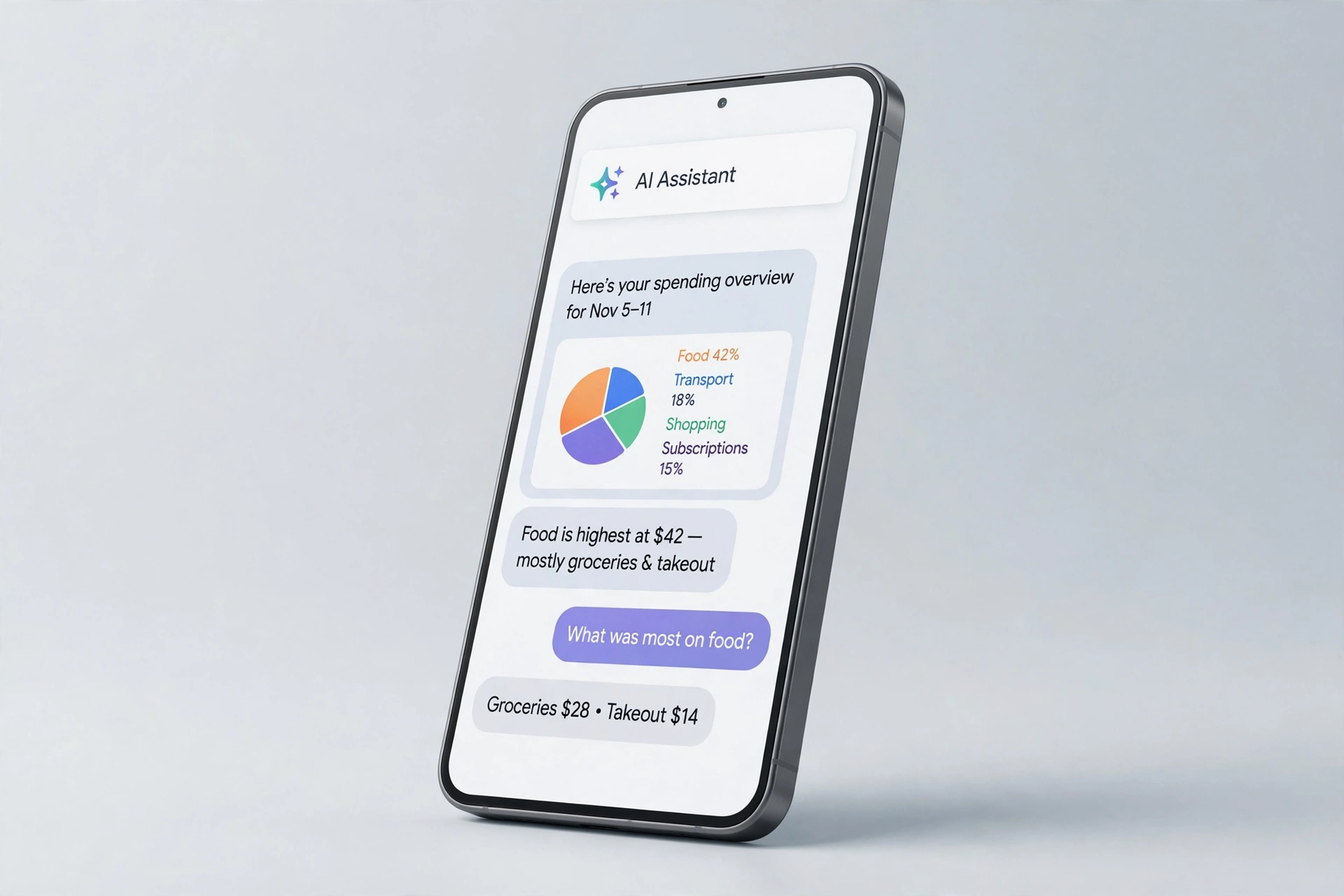
Google has given its Gemini AI assistant a new way to help with money. Google Wallet is now one of the apps you can connect to Gemini’s Personal Intelligence, so the chatbot can answer questions about your spending, budgets and subscriptions.
What Gemini can do with your Wallet data
Once Wallet is connected, you tag @Google Wallet in a Gemini chat and ask about your personal finances. Google says Gemini can review your spending from last quarter and build charts that track cash flow, asset allocation and budgets — for example, if you want to save $1,000 over the next three months. It can also hunt down recurring charges across your linked accounts and flag subscriptions that went up in price this year, and look back at what you spent on gifts and travel last year to suggest a budget for this holiday season.
For deeper insights, you can optionally link your credit card and bank accounts to Wallet through Plaid.
Read-only, opt-in and US-only for now
Google stresses that Gemini can only read the information from your accounts — it cannot move, manage or invest your money. Connecting Wallet is opt-in: you switch it on under Connected Apps in the Personal Intelligence settings, and you can turn it off at any time.
The feature is rolling out from 13 November 2026 to all Gemini app users in the US, on the web as well as on Android and iOS. Google has not said when it will reach other countries.
Why it matters
The idea will sound familiar: it is a similar concept to ChatGPT Finance, which OpenAI launched earlier this year. For Pixel owners, it is also the latest step in Gemini becoming more personal — the November Pixel Drop recently brought Gemini Intelligence to the Pixel 10 family, as covered in our earlier post on the November Pixel Drop. Read the GSMArena report for more details.
If you are in the US, check the Gemini app’s Connected Apps settings to see whether Wallet is available to you yet — and remember, it is entirely your choice whether to switch it on.